How it works
Three groups of people touch the system, and the registry ties them together.
This page describes the open catalog
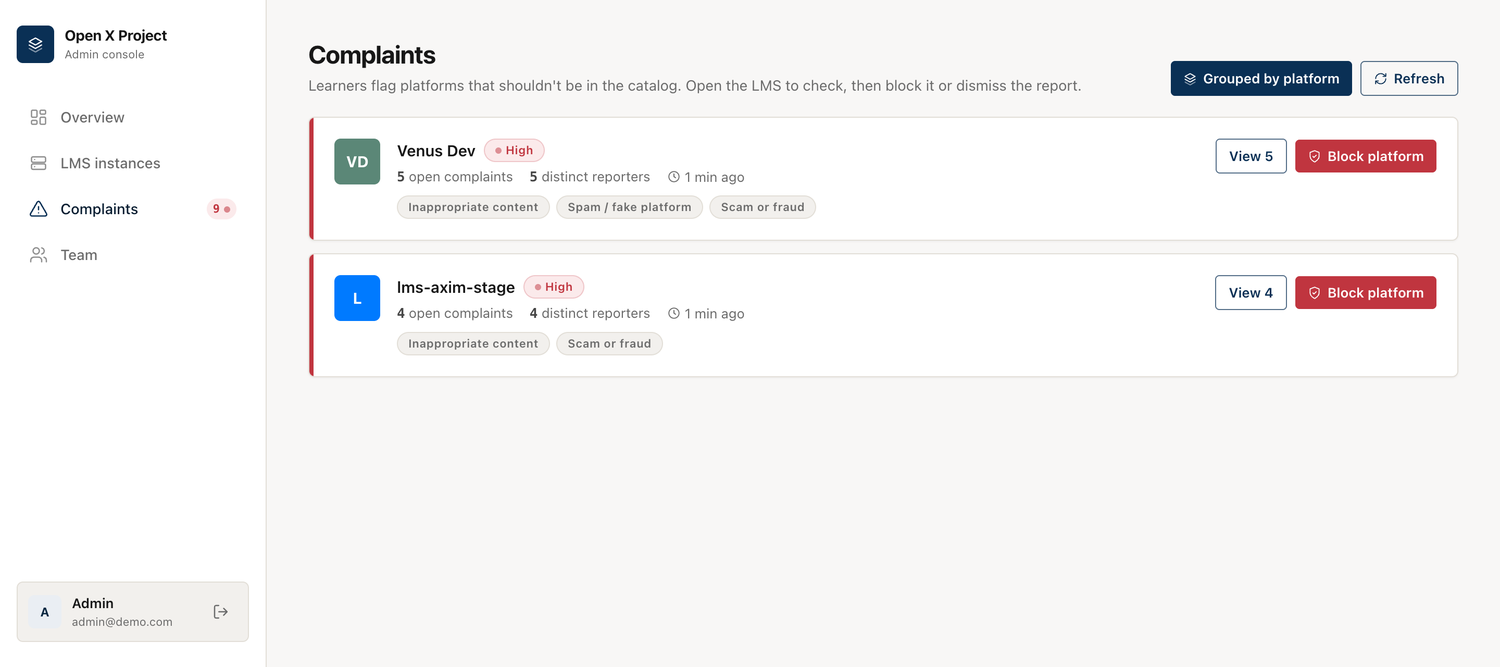
Everything below — self-service registration, learner reports, moderation — belongs to the shared public catalog. Run the same registry for a single organization or as a provider portal and the moderation half disappears entirely, because nobody is listing platforms you didn't choose. See Three ways to run it.
  LMS owner                Registry (web)                    Learner (mobile app)
 ┌──────────┐   register   ┌───────────────────┐   catalog   ┌──────────────────┐
 │  Wizard  │─────────────▶│  auto-approved     │◀───────────│  search / browse │
 └──────────┘              │  + admin review    │            │  pick an LMS     │
       ▲                   │                    │            │                  │
       │ email + appeal    │  complaints inbox  │◀── report ─│  "report this    │
       └───────────────────│  block / dismiss   │            │   LMS" (Profile) │
                           └───────────────────┘            └──────────────────┘
The pieces
| Piece | Who uses it | What it does |
|---|---|---|
| Mobile app (iOS + Android) | Learners | Find a platform, sign in, learn, report problems |
| Registration wizard (web) | LMS owners | Register and theme an Open edX instance |
| Admin console (web) | Administrators | Review platforms, triage complaints, block/restore |
| Registry API | The apps | Serves the catalog and takes in complaints |
The lifecycle of a platform
- Registered. An owner completes the wizard. The registry verifies the URL and OAuth client are reachable, then adds the instance to the catalog.
- Live, unverified. With auto-approve on (the pilot default), the platform is searchable in the app immediately. It's flagged unreviewed so an admin knows to confirm it.
- Reviewed. An admin checks it and marks it reviewed.
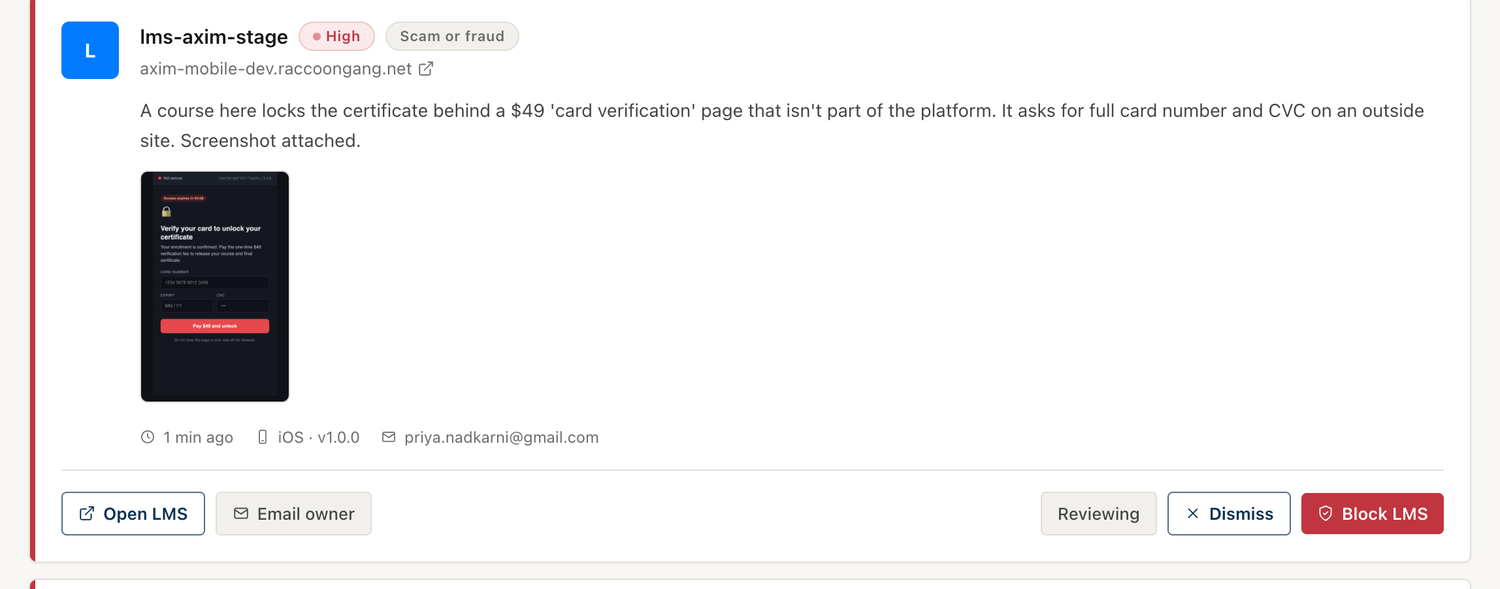
- Reported. If learners flag it, complaints collect against it.
- Blocked (if needed). An admin removes it from the catalog. The app stops showing it. The owner is told why.
- Restored. The owner fixes the issue and requests a re-review; an admin restores it.
Trust & safety, in one line
Anyone can register a platform, so anyone can register a bad one. The whole moderation side exists for that: learners report, admins see volume and distinct reporters, and a human always makes the block decision — there is no automatic takedown that a spam campaign could trigger.